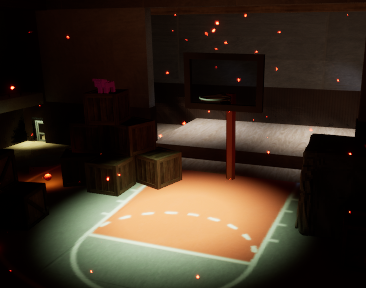
Sneaky Basket
Game 1 Final Devlog 12/03/2025 2:22 AM
Hello and welcome to my newest Devlog for this game!
I have worked on this throughout the entire semester, and while I still feel that it has many areas for improvement, I can say that I had a lot of fun and learned a great deal as well.
I learned many things about both myself and game design over these months, but I can still say with certainty that I can’t wait to further my knowledge of this field. I learned many things about how Unreal Engine works and the different processes that need to take place for a full game to become a reality.
However, for this devlog, I am going to be as on task as possible for my answers. So buckle up and let us get started!
First Half of the Semester
This consisted of our games getting their core mechanics and making sure that our coding worked for things like our Third Person Character Custom and the Enemy AI. This was mostly full of the technical use of the engine.
However, I do admit that there were many technical issues even after this part of the semester. I did have a lot of things not working or hard to use for normal players that I had to fix while also working on the cosmetic side of things. However, I did go through what I could and fixed what I could.
So let us get started on the major updates for this semester!
Lighting
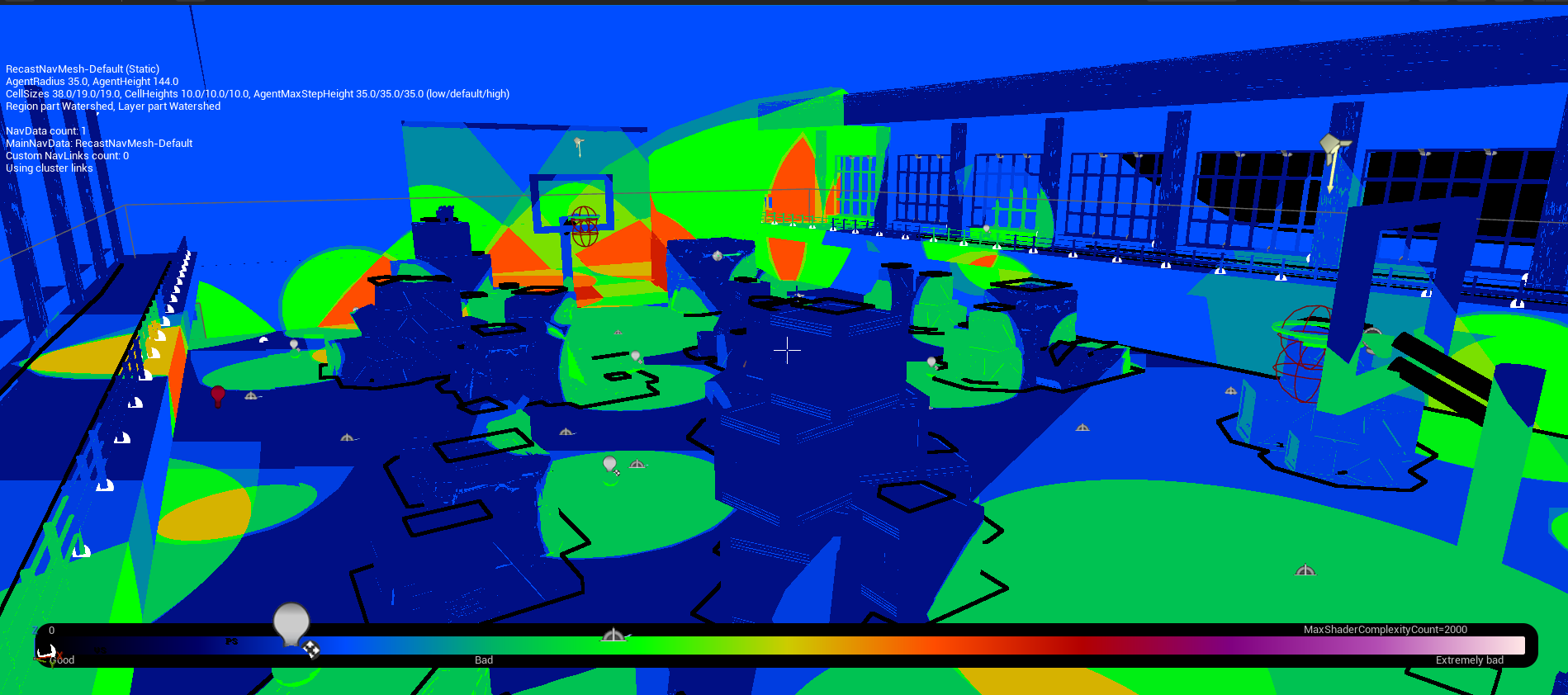
Lighting is incredibly hard in any type of game engine, and I did have a hard time getting everything to work. My main concern was that my game was too dark for players to be able to actually see anything of substance. This was proven to be true during my playtests. I was told multiple times that my lighting needed work.
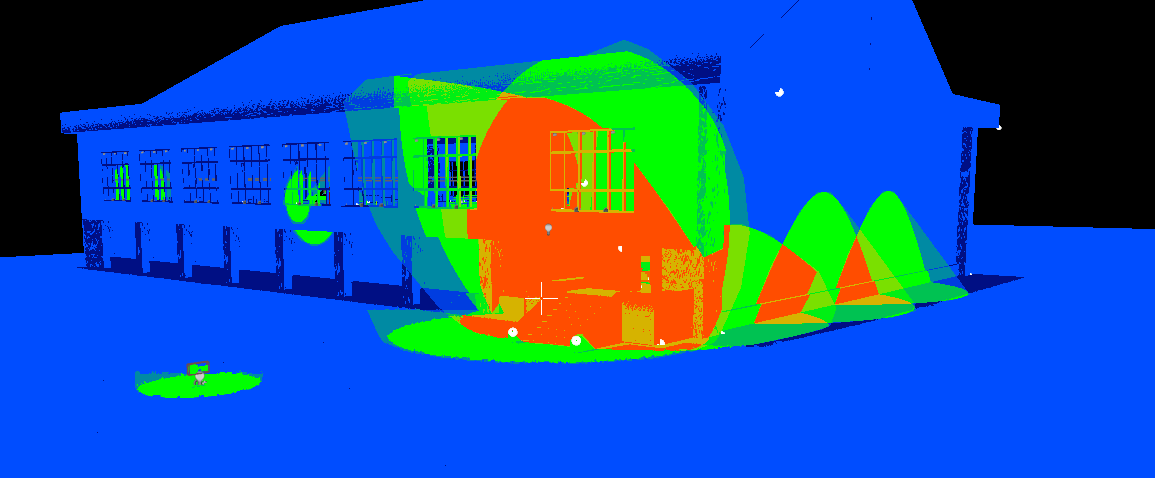
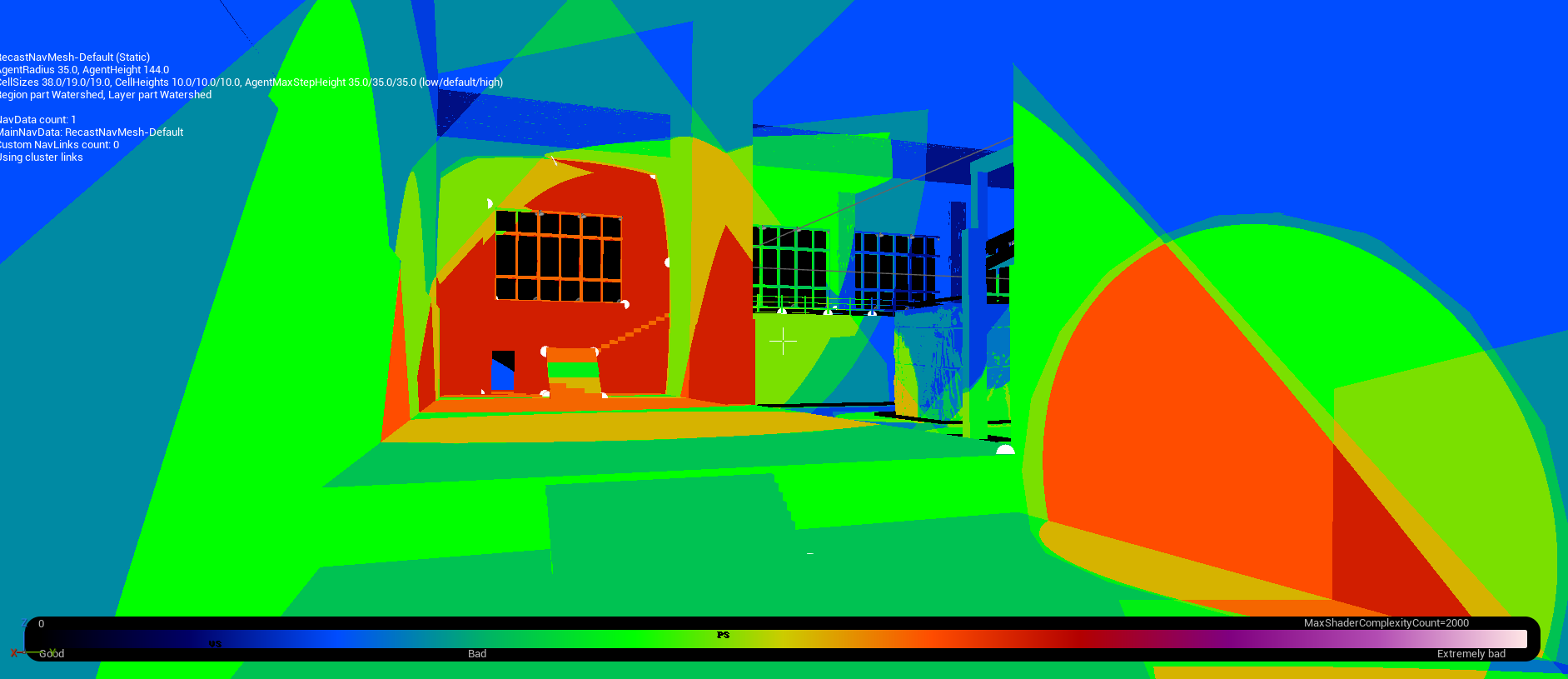
I worked incredibly hard on my lighting after all of this feedback. I implemented light in multiple areas to make it clear that they were points of interest to guide the players to explore. This includes the door to backstage, the stairs to the second floor, and the area to the back door that hasn’t been implemented yet.
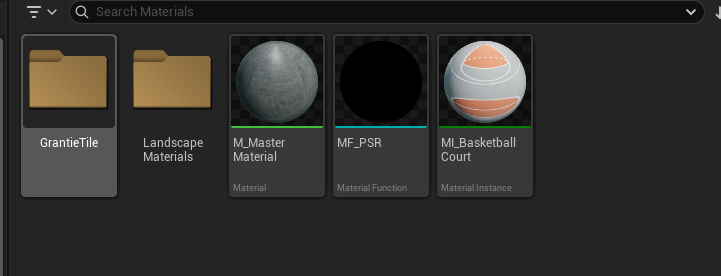
Another type of light I added was lights to the throwable basketballs. During playtests, I was told that it was incredibly hard to find the basketballs around the level because there was no indicator that they were there. I did add a point light in the blueprint so that it would be easier to see. However, there seems to be a problem with the material I am using for the floor because all the lights cut off, even though they have the cast shadows option turned off. I think this has something to do with the fact that some of the materials I downloaded did not come with the four different materials as our master material did.
For all of these lights, I added different types of temperatures to give them different feelings. With the entire theme of my game being demonic, the warm light is a type of light that conveys unease and alerts the player to be cautious around it, as enemies may be nearby. For other lights, I kept them closer to the white light to give them this angelic feel to show the player that they are safe to go toward and find. The same applies to the key, which has a white light to indicate its usefulness.
Materials
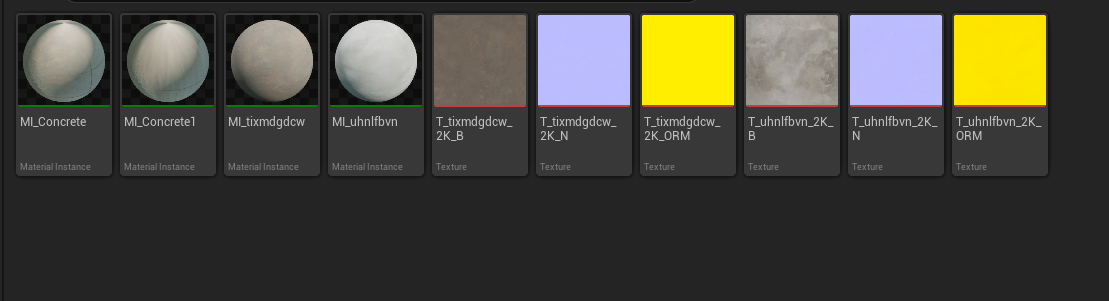
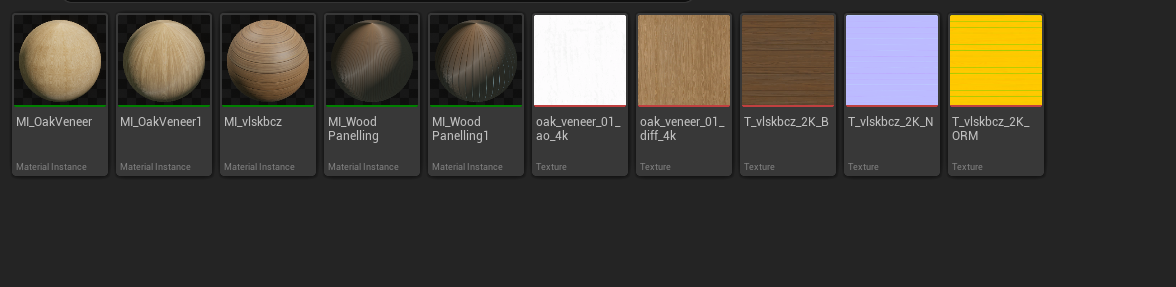
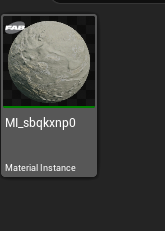
I chose many different materials for my game. Because my location is meant to be abandoned, I had to choose materials that reflected this, so I chose things like old concrete and mossy concrete. On the outside, the building looks run-down and neglected because it hasn’t been used for many years and hasn’t been cleaned. This allowed nature to grow into it and darken the concrete.
For the inside, I used slightly more polished materials to make it seem otherworldly because the contrast between the inside and outside needs to feel vast due to the demonic involvement.
For this, I did have to make multiple material instances, though, because the size of the objects changed the way the material behaved. I had to make some materials with different tiling settings and rotation settings, so it was easier to just create the same material instance and change the tiling numbers.
I feel that all of these materials really brought my whole build together and made it look a lot more haunting during gameplay.
Doing these materials also helped me realize that the layout of my building was not what I wanted for my final product, so I completely redid the exterior of the building to make it look closer to a gym from Japan.

Audio
I have multiple uses of audio in my game. The main one is the background music during gameplay. This music is playing constantly and is on a loop to keep playing during the whole time the player continues to play. I found that adding this really shaped the atmosphere in a way that was severely lacking previously.
I also added sound effects for certain items and events.
If you hit the collision box of the door, but you do not have a key, you will get an audio buzzer that indicates that the door can’t open.
When the enemy sees you and starts chasing you, chase music will play, signalling that they are now chasing you. However, I don’t yet understand how to make the music stop once the enemy is no longer chasing you, so that will have to be something I fix on my own time.
Working with audio was very fun, and it helped me come up with many different fixes for the different scenarios.
VFX
I have never worked with VFX before, so this was the first time I had ever dabbled in it. I have seen many different ways people have used it for their projects, and I find that I am content with the way I used my VFX.
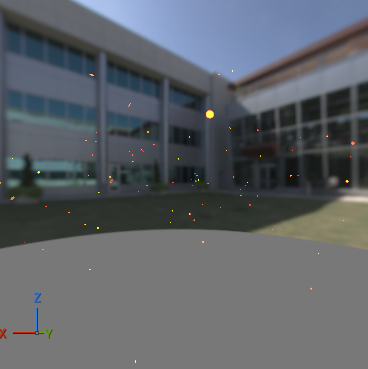
Originally, I was just going to do a normal dust particle to show that this building was abandoned and had not been cleaned but the more I worked with my lighting, the more I realized that I was putting a more demonic spin on things with all the red lighting so I changed the VFX particle to glow red and orange to give a more fire ember feel like the character is in a sort of hell.
In the video, it is recommended to swap the particles to the GPU to help with performance, as well as the bound from dynamic to fixed.
If I wanted to use this for different things, I would have to change some parameters to do so, meaning I would have to create duplicates. However, it wouldn't be that hard besides changing color, shape, and wind speed.
When playtesting, I found that at certain angles or positions on the map, the particles disappear completely, like they were never there. I originally thought that I had found a fix for this by making the particle always face the player, but it still seems to be disappearing like before.

Post Processing
For my post-processing, I followed a video to use it to change my sky from day to night.
The values I changed were the temperature values. I changed the temperature type ot white balance and the temp to 4555. I also changed the exposure of the post-processing to make it easier to see around my whole level.
However, this alone did not make it easily visible inside, so I also made many windows so that the exposure went inside the building as well.
Post-processing is filled with so many different values to change, and originally, I was intimidated to use it. I tried to use two to make it a lot more visible on the inside of the building, but I found that it made the outside look like it was day when it was supposed to be night. I decided to stick to just one full level post-process volume and mess with the actual exposure in manual mode and the temperature of the light to make it more white rather than blue or red.
While post-processing is not doing all of my sky work, it is helping it be more visible and beautiful.


UI
I had a lot of fun with UI. Learning how to use it made me realize how amazing game UI is because there are so many interactions that either require a lot of coding knowledge or a lot of different widgets.
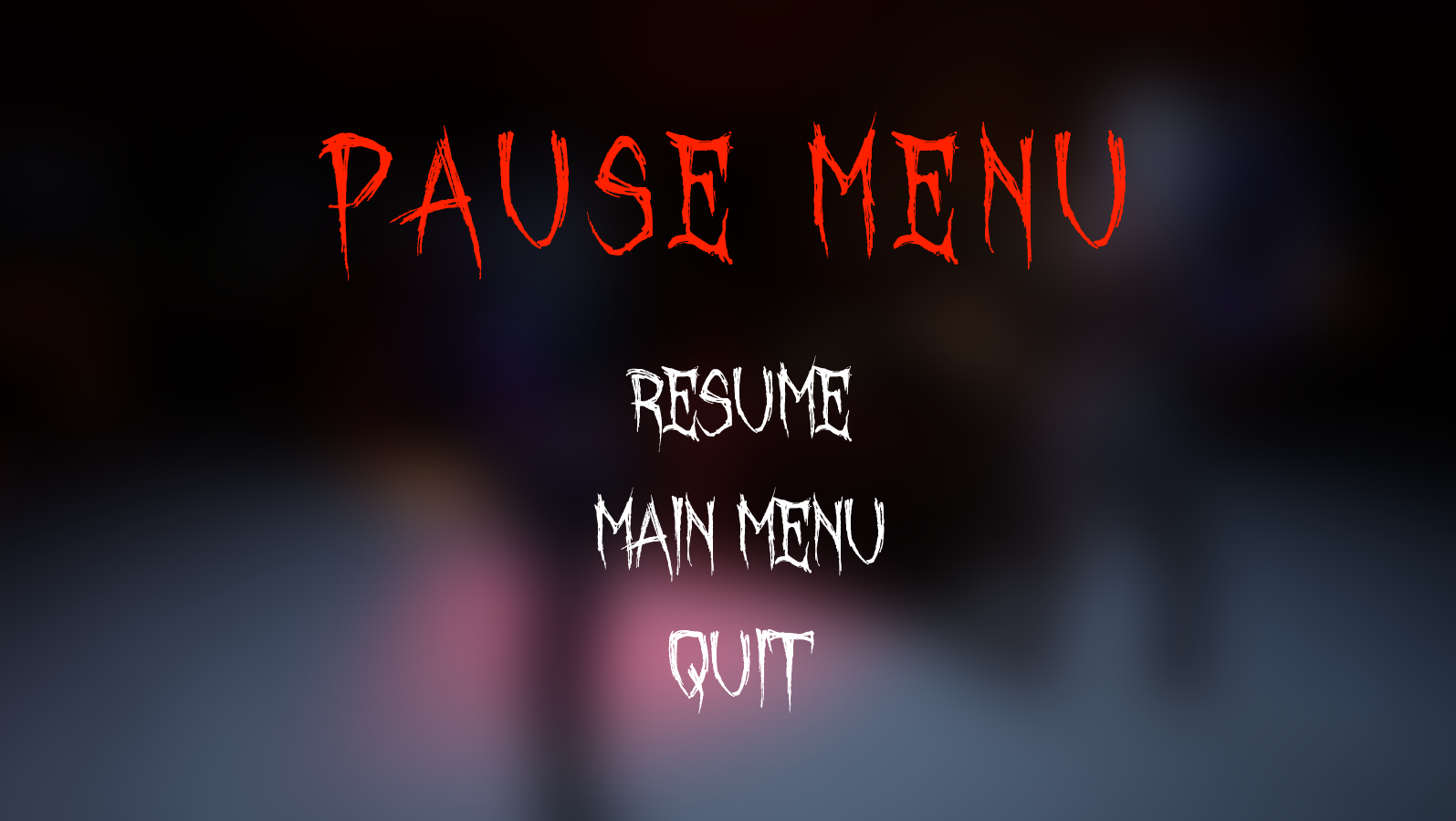
I made a main menu and a pause menu. I made the buttons change when hovering over them, but the button stays clear when you are not hovering over it. I changed the main font to a font named October Crow from DaFont.com. I use this website for my fonts because they are all free and easy to download; you don’t even need an account.
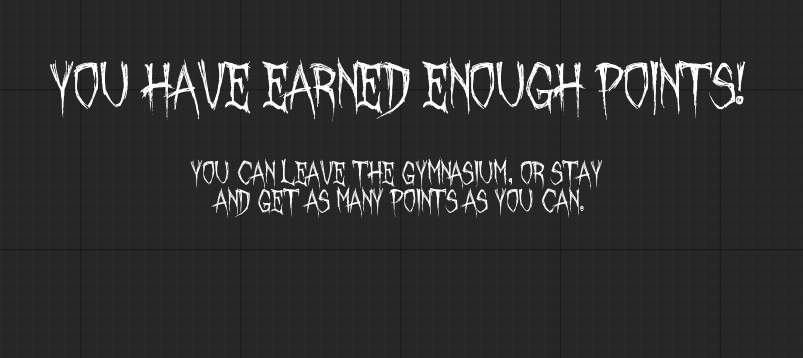
I also made a widget for when you gain the correct amount of points, telling you that you can leave now that you have obtained the points.
I had a lot of fun making my widgets look scary and demonic. I used a lot of reds and blacks to keep the demonic theme going.
Polishing
Bugs were rampant throughout this whole semester. I would mess with one thing and realise either immediately or ten minutes later that it catastrophically broke something. Playtesting helped with this a lot. Having people play my game in their own ways helped them find things that I never did find.
Most of these bugs happened because of the target points. Due to moving different blockouts around, I ended up messing with the Nav Mesh and the target points by accident, which then caused their whole patrolling system to break. I was thankfully able to figure these out in a decent time, so that they never stayed broken long.
However, it seems that I broke something again because the point patrolling is yet again not working. I have double-checked all my usual fixes, and it just won't work right anymore.
Conclusion
I had a lot of fun with this game, especially near the end. Seeing everything coming together really made it worth it.
I had to most fun making my vision a reality. Learning how to make my basketball idea work really challenged me to think outside the box. Learning how to do the coding for the points and win condition was hard since I missed class a lot, but being able to look back at the videos and getting help from my classmates really helped me create confidence in both myself and my ability to ask for help.
I do admit that I did not take that many risky moves during this process because I was more focused on making my coding work and having the bare minimum mechanics to make this an actual game, but what I did try was incredibly fun.
\Learning how to do foliage was fun because it helps me learn more about what the engine can help me with. Also, I tried landscape painting and learned that while things may look easy, there is a chance you can mess up somewhere and have no idea how to fix it. Sometimes it is best to discard an idea rather than spend an absurd amount of time trying to make it work.
Comments
Log in with itch.io to leave a comment.
Awesome! keep going 👏